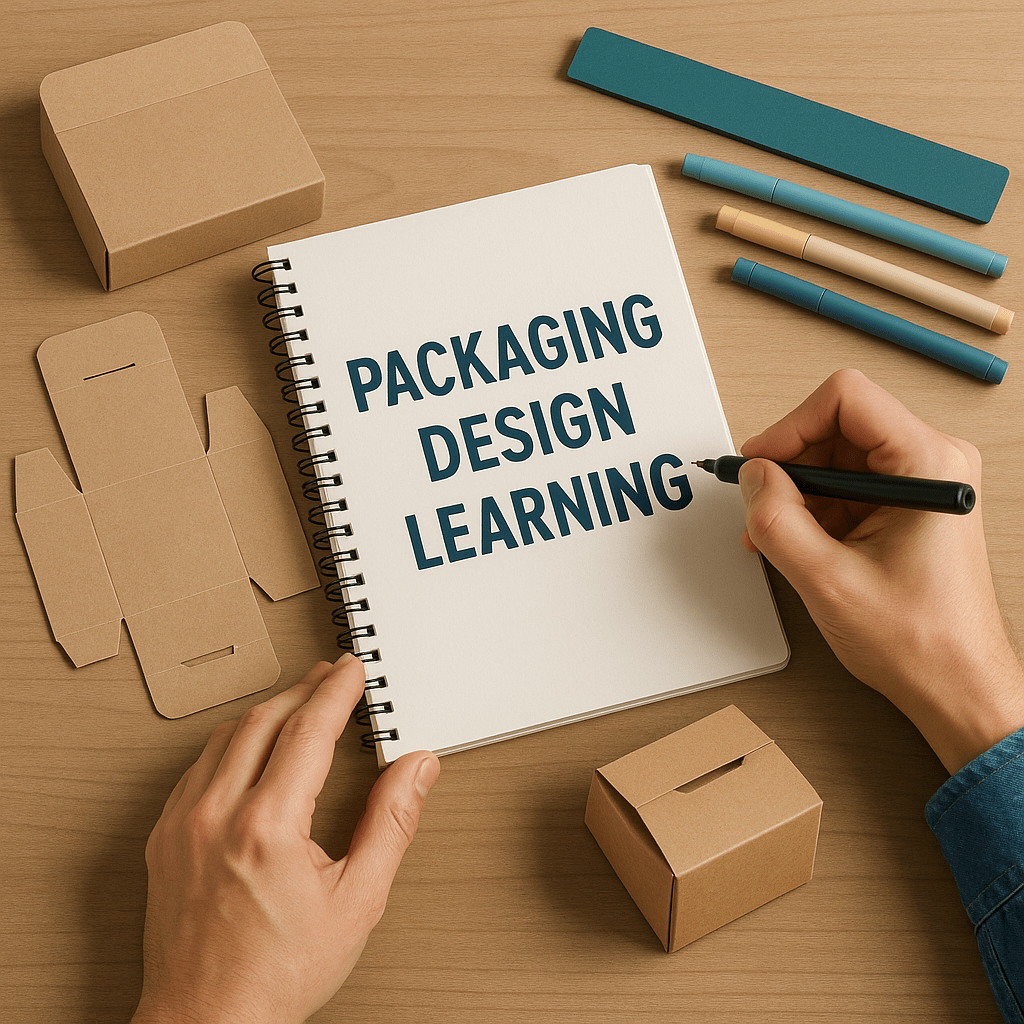
If you’re reading this, chances are you’re interested in packaging design and that’s the first and most important step: interest. This blog is here to help you take your first steps into the world of packaging design, learn the essentials, and understand how you can stand out in a growing, competitive industry.
Why Packaging Matters More Than Ever
There was a time when brands didn’t care much about how their products looked on the shelf. Back then, the focus was mostly on price. But times have changed.
With the rise of eCommerce, competition has grown dramatically. In a physical store, customers can touch and feel the product before buying. Online? They can’t. They only see what you show them. So how do you build trust in a world where your customer is just one click away from your competitor?
Remember this:
“Good packaging is your silent salesman.”
It speaks when you can’t. It tells your story, sells your value, and builds trust all in seconds.
So, You Want to Be a Packaging Designer?
Let’s dive into what you need to learn to become a successful packaging designer.
1. Start with Practice
Once you’re interested, the next step is practice. Start learning Adobe Illustrator—it’s an industry-standard tool for packaging and label design. Begin by recreating packaging you like. Copy boxes, labels, or containers that inspire you. Don’t worry about mastering everything at once. Focus on getting comfortable with the software.
2. Understand Dielines
After you’re confident using Illustrator, it’s time to learn about dielines—the blueprints of packaging.
Here’s a simple way to practice:
- Take an existing product box or chip packet.
- Carefully open it up from the glued side.
- Scan it or take a photo.
- Place the image in Illustrator and trace the dieline using shape or pen tools.
This is a basic method, but very effective for learning.
Eventually, you’ll need to create dielines from scratch. Tools like PACDORA can help you generate dielines by selecting box styles and inputting dimensions. (Note: PACDORA isn’t free, but it’s useful once you get comfortable.)
I’ll write a detailed article on dieline creation soon.
3. Start Freelancing
Once you understand dielines and can design packaging confidently, you’re ready to begin your freelance journey. But before you jump in, there are a few key things you should master to become a killer packaging designer.
What You Need to Know (From My Experience)
✅ Research
Always research the product and the brand. Understand:
- The product’s benefits and unique selling points.
- The brand’s tone, voice, and story.
Ask your clients questions—it shows professionalism and improves your design.
✅ Know the Audience
Not every product is for everyone. Ask your clients: Who are they selling to? Design with that audience in mind.
✅ Analyze Competitors
Look at what competitors are doing—both online and offline. Study their strategy and style. Find what works, and then create something even better.
✅ Understand Sales Channels
It’s 2025. Most clients want to sell online—but not all. Some only sell on Instagram, WhatsApp, or local markets. Ask your client where and how they plan to sell the product. Packaging should adapt to the medium.
Designing the Packaging
Now that you’re ready to design, here are key tips to make your packaging stand out:
- Material Matters: Understand the packaging material. Heavy products may need 3-ply or 5-ply carton boxes.
- Branding is Key: Your design must be visually strong on the shelf. Use bold, clear visuals, readable fonts, and standout colors.
- Test Your Design: Don’t just design digitally. Print it. Fold it. Build it by hand. See if it opens easily and if the design works in real life.
- Stay Trendy: Follow current packaging trends and updates. A modern look makes your product feel fresh and relevant.
Final Thoughts
Thanks for reading! Packaging design is more than making things look pretty—it’s about storytelling, strategy, and problem-solving.
I’ll be sharing another article soon, diving deeper into dieline creation and more advanced tools.
Until then, remember:
Packaging is the first impression your product makes. Make it count.
 Muzammil Chaanda
Leave a comment